Kuopio City Library is changing its library system from 20 October to 3 November. All customers’ saved loan histories will be deleted on Tuesday, 20 October. Once a loan history has been deleted, the information cannot be recovered.
If you want to keep a record of your loan history, save it as a list of Saved Items by Monday, 19 October.
1. Sign in to the online library at kuopio.finna.fi
2. Select Your Account > Saved Items
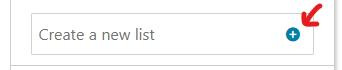
3. Click Create a new list, enter a name for the list (for example, ”Loan History”), and click the plus (+) icon next to it. Your new empty Saved Items list will then be saved under Saved Items
4. Select Your Account > Loan History
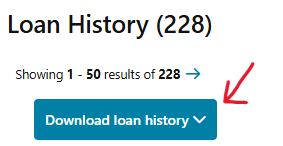
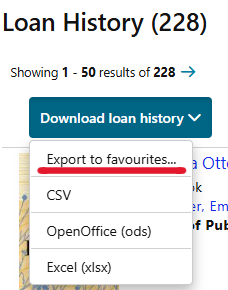
5. Open the Download loan history drop-down menu and select Export to favourites
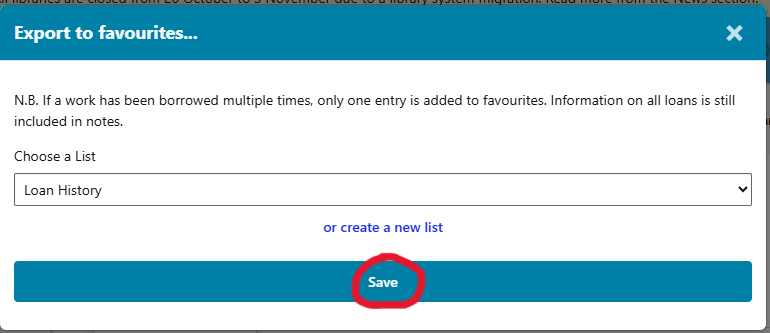
6. The following view will open. The empty Saved Items list you created will be selected automatically
7. Click Save
After that, the list will be available on the Saved Items tab under Your Account. Alternatively, you can download your loan history to your device in CSV, OpenOffice, or Excel format.
Please note that after the library system migration, Saved Items lists will no longer display availability information, as the connection to the old system will be discontinued during the migration.
Library customer service staff can assist you with saving your loan history if needed. Please contact your local library. You can find contact information in the web library: Service Points and Opening Hours